
How to add money to JOJO66
Adding funds to a JOJO66 account can be done through the payment options available in the wallet section. Before confirming a transaction, always check the payment method, amount limits and details shown on the account.

- Log in to your JOJO66 account.
- Open the wallet section from the account dashboard.
- Select the deposit option to view the available payment methods.
- Choose a supported option such as UPI, bank payment, wallet service or another method displayed on your account.
- Enter the amount you want to deposit and check the minimum or maximum limit shown on the page.
- Review the payment information carefully before submitting the transaction.
- Complete the payment through the selected method and wait for the balance to update.
Tip: Always use payment details displayed inside your JOJO66 account. Avoid sending money to payment details shared by unknown individuals or unofficial social-media accounts.
How to withdraw money
The withdrawal facility can be accessed through the wallet area when it is available for your account. Available payout methods, limits and verification requirements may vary.
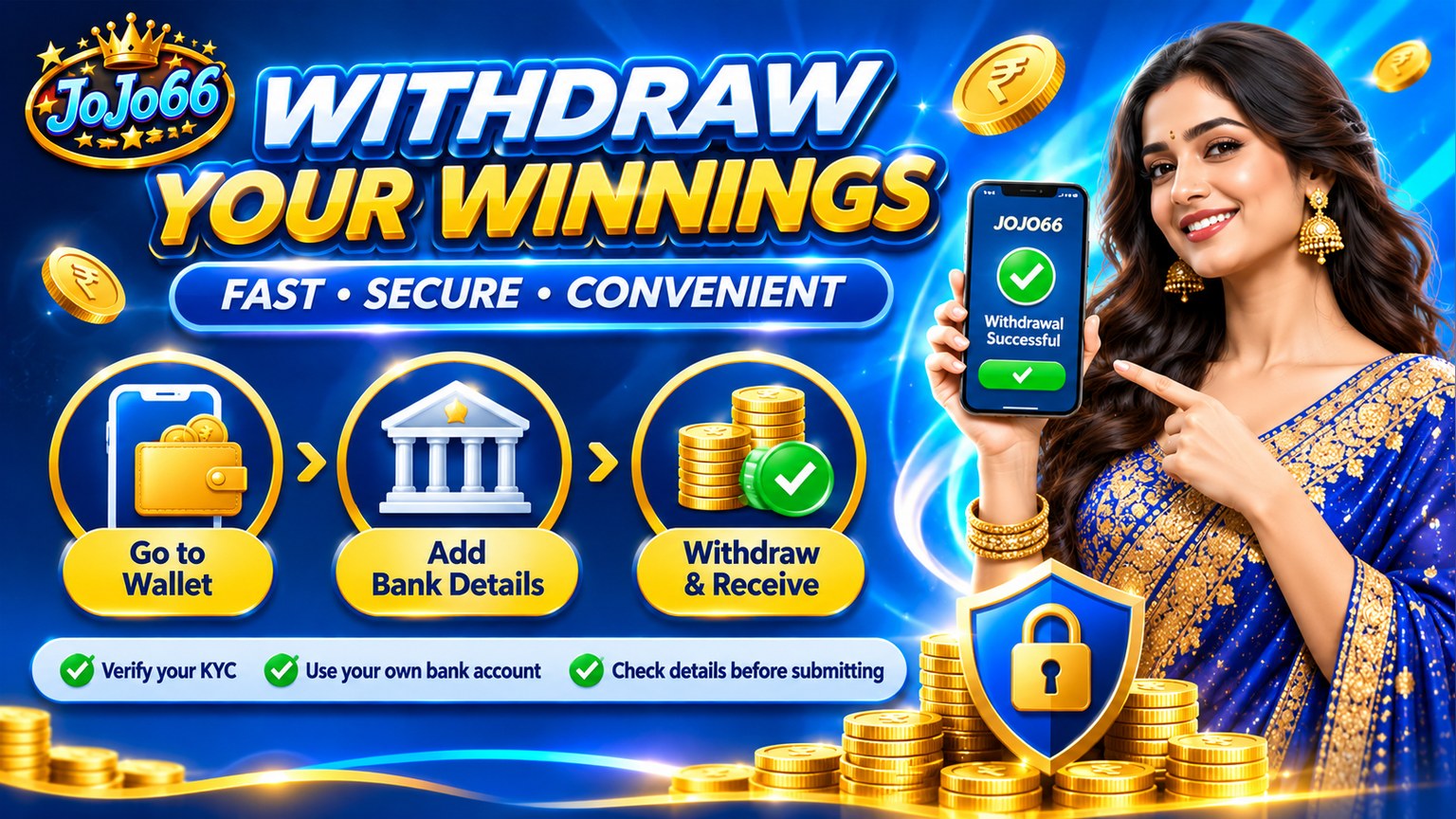
- Sign in to your JOJO66 account.
- Go to the wallet section.
- Choose withdraw to open the payout options.
- Select an available withdrawal method, such as a supported bank or wallet option.
- Enter the amount you want to withdraw.
- Check the applicable withdrawal limit and account requirements.
- Confirm your payout information before submitting the request.
- Submit the withdrawal and allow time for processing or verification if required.
Important: Make sure your account and payment information is correct before confirming a withdrawal request.
Payment checklist
- Account name matches the bank or wallet holder name.
- Amount is inside the displayed minimum and maximum range.
- Screenshot saved for your own records.
- No third party asked you for an OTP during the process.