
JOJO66 login
Existing users can log in using their registered mobile number and password. The login process is simple and takes only a few seconds.
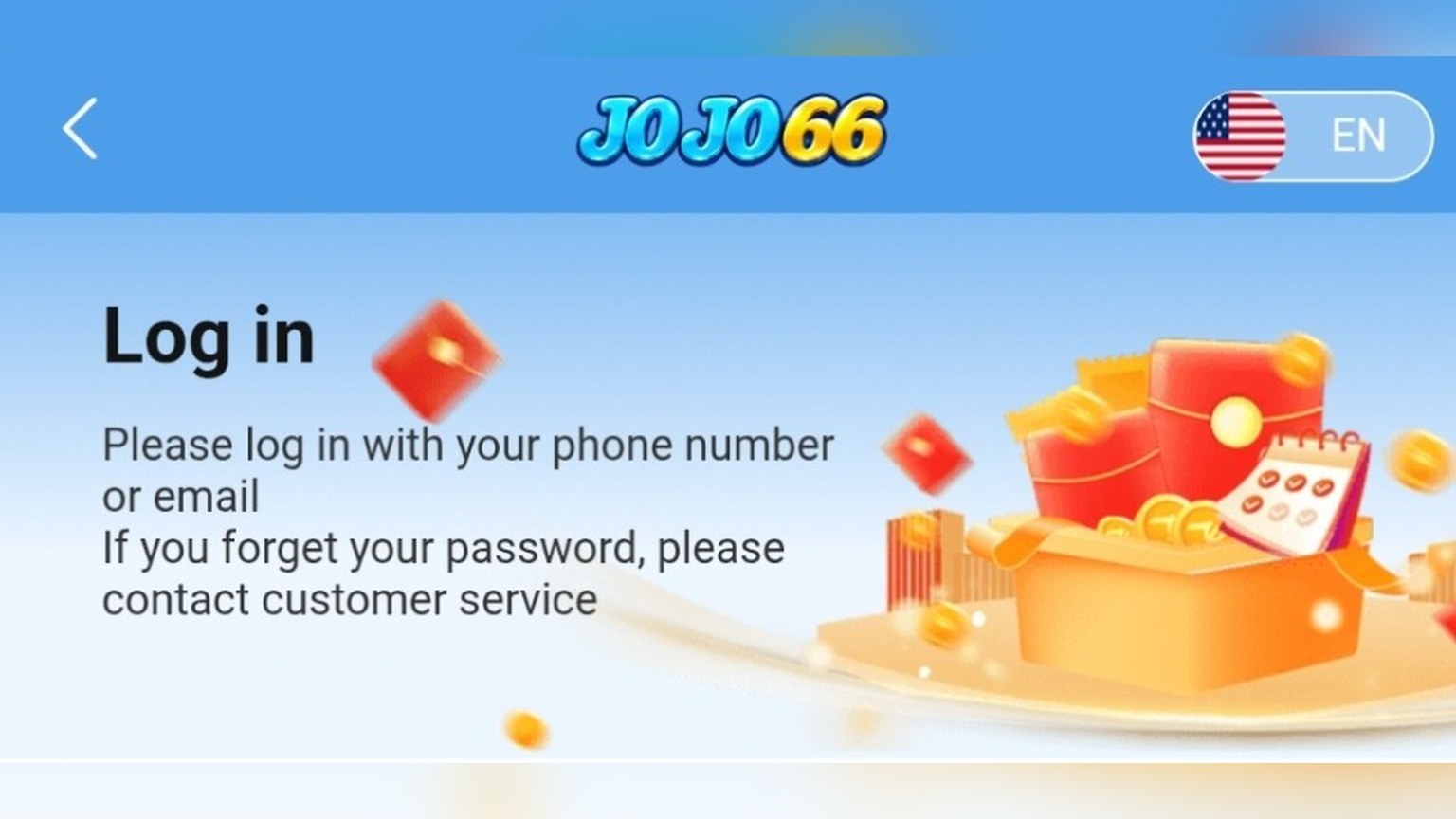
How to log in
- Open the official JOJO66 login page.
- Enter your registered mobile number.
- Type your password.
- Click the login button.
- Your account dashboard will open.
Before you log in
- Use the official domain jojo66.in.net only.
- Check that your mobile number is typed without spaces.
- Make sure your password uses the same upper and lower case letters as when you created it.
- Keep your OTP private — no support agent will ask for it in chat.
Common login problems
Password not accepted
Re-type the password slowly and check for a trailing space. If it still fails, use the reset option on the login page and set a new password.
Page will not load
Switch between Wi-Fi and mobile data, clear the browser cache, or try another browser. If the main domain is blocked, use the official mirror listed on the home page.
Logged out unexpectedly
Sessions expire after long idle periods. Log in again and avoid using private browsing mode, which clears the session when the tab closes.
Security tip: Never log in through links received from unknown chat groups. Type jojo66.in.net manually or use a saved bookmark.